
Laptop Repair vs. Replace Calculator
Analysis Result
Our Recommendation:
Enter values above to see if you should repair or replace.
Have you ever stared at a cracked laptop screen or a keyboard that won’t type and thought, “This can’t cost more than the coffee I just bought”? Then you get the quote, and your jaw hits the floor. It feels like a scam. You’re paying hundreds of dollars for what looks like a simple fix. But if you think about it, why is laptop repair so expensive when the part itself might only cost twenty bucks online?
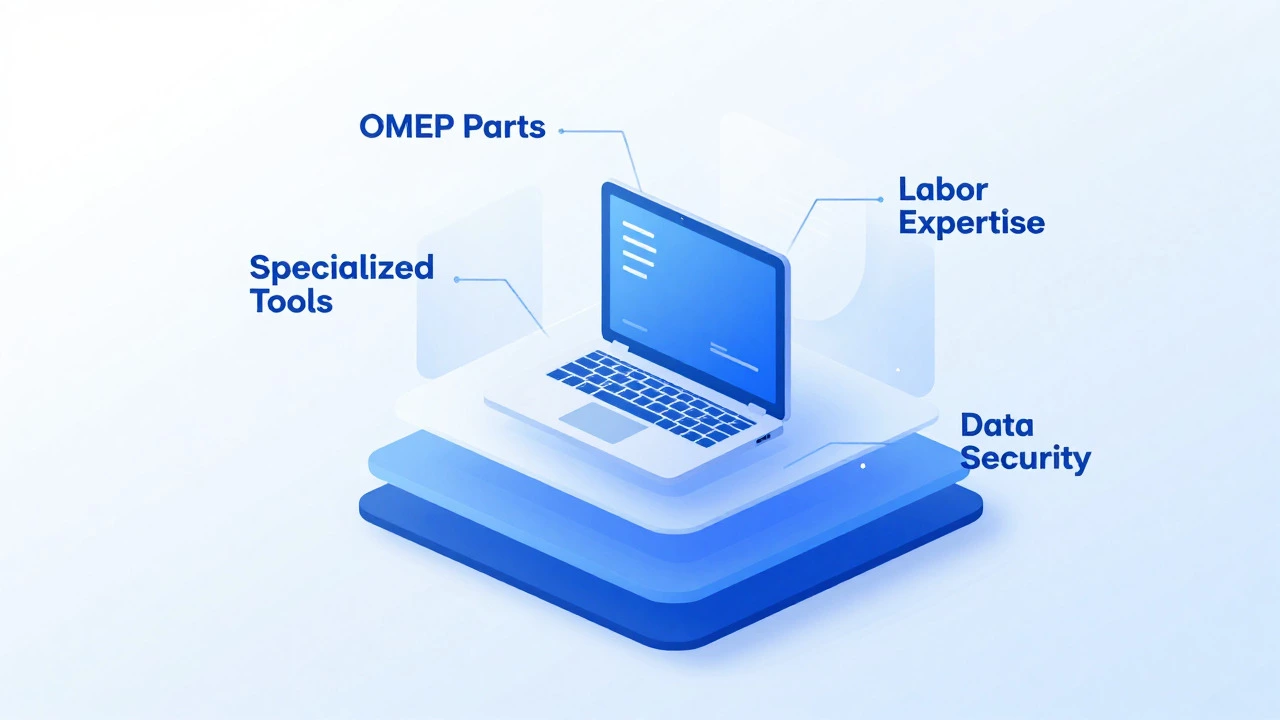
The short answer is that you aren’t just paying for the plastic piece that broke. You are paying for the scarcity of parts, the specialized tools required to open modern devices, and the high risk involved in handling components worth thousands. Let’s break down exactly where your money goes when you drop off that broken machine.
The Myth of the Cheap Part
We live in an era of instant information. If your screen breaks, you go to a search engine, type in your model number, and see a replacement panel for $40. You assume the repair shop buys it for $40 and charges you $300, keeping $260 as pure profit. It sounds greedy, but the reality of supply chains is much messier.
First, those cheap parts online are often third-party generics. They might work, but they rarely match the brightness, color accuracy, or power efficiency of the original equipment manufacturer (OEM) part. A reputable repair shop usually stocks OEM parts because customers hate being told their new screen looks washed out two weeks later. OEM screens for high-end models like the MacBook Pro or Dell XPS can cost shops between $150 and $400 wholesale.
Second, there is the inventory tax. A shop needs to keep stock of dozens of different models. That capital sits on a shelf gathering dust until you walk in with a specific problem. If they don't have the part, they order it. By the time it arrives from China or a regional distributor, days have passed. The convenience of having it fixed today carries a premium. You are paying for immediate availability, not just the silicon and glass.
The Labor Trap: Complexity vs. Time
In the past, fixing a computer meant swapping out a hard drive or adding RAM. Those were plug-and-play tasks. Today’s laptops are engineered for thinness, not serviceability. Modern chassis designs use adhesive instead of screws, meaning technicians need heat guns, suction cups, and plastic spudgers to pry open cases without snapping delicate hinges or cracking the housing.
Consider the labor intensity. Replacing a battery in a sealed unibody laptop isn’t just popping it out. It involves heating the back cover to soften industrial-grade glue, carefully separating the layers, disconnecting ribbon cables that are thinner than a human hair, and then resealing everything so water resistance remains intact. One slip of the screwdriver can short-circuit the logic board, turning a $100 repair into a $800 disaster.
Technicians charge by the hour or by the job complexity because their skill set has evolved. They aren’t just mechanics; they are microsoldering experts and diagnostic analysts. When a laptop won’t turn on, it could be a blown fuse, a corrupted BIOS chip, or a dead CPU. Diagnosing this requires multimeters, oscilloscopes, and years of experience. You pay for the brainpower that prevents them from guessing wrong and destroying your device further.
The Scarcity Economy: Why Parts Are Hard to Find
Manufacturers like Apple, Dell, and HP have increasingly locked down their supply chains. This is known as planned obsolescence or, more politely, "ecosystem control." Many internal components are serialized. This means the laptop’s software checks if the battery, screen, or keyboard matches the serial number programmed into the motherboard during assembly.
If a technician installs a genuine but non-matching battery, the system might throw a warning message every time you boot up, or worse, refuse to charge. To avoid this, shops must source parts that are either brand new from authorized distributors (expensive) or harvested from donor units (time-consuming). Donor units mean buying a whole working laptop just to strip one part out of it. That overhead gets passed directly to you.
Furthermore, component shortages affect everyone. Global chip shortages have made finding specific microcontrollers difficult. If a specific voltage regulator chip is out of stock globally, a technician might have to wait weeks for it. During that wait, they hold your device, tying up their workspace and limiting their ability to take other jobs. That opportunity cost factors into the final bill.
| Cost Factor | Estimated Impact | Why It Matters |
|---|---|---|
| OEM Parts | $100 - $400+ | Original parts ensure compatibility and maintain warranty status. |
| Labor & Diagnostics | $50 - $150 | Covers expertise, tools, and time spent opening sealed devices. |
| Risk Premium | Implicit | Compensation for potential damage to fragile internal components. |
| Overhead | Varies | Rent, insurance, and specialized tool maintenance. |
Specialized Tools and Overhead
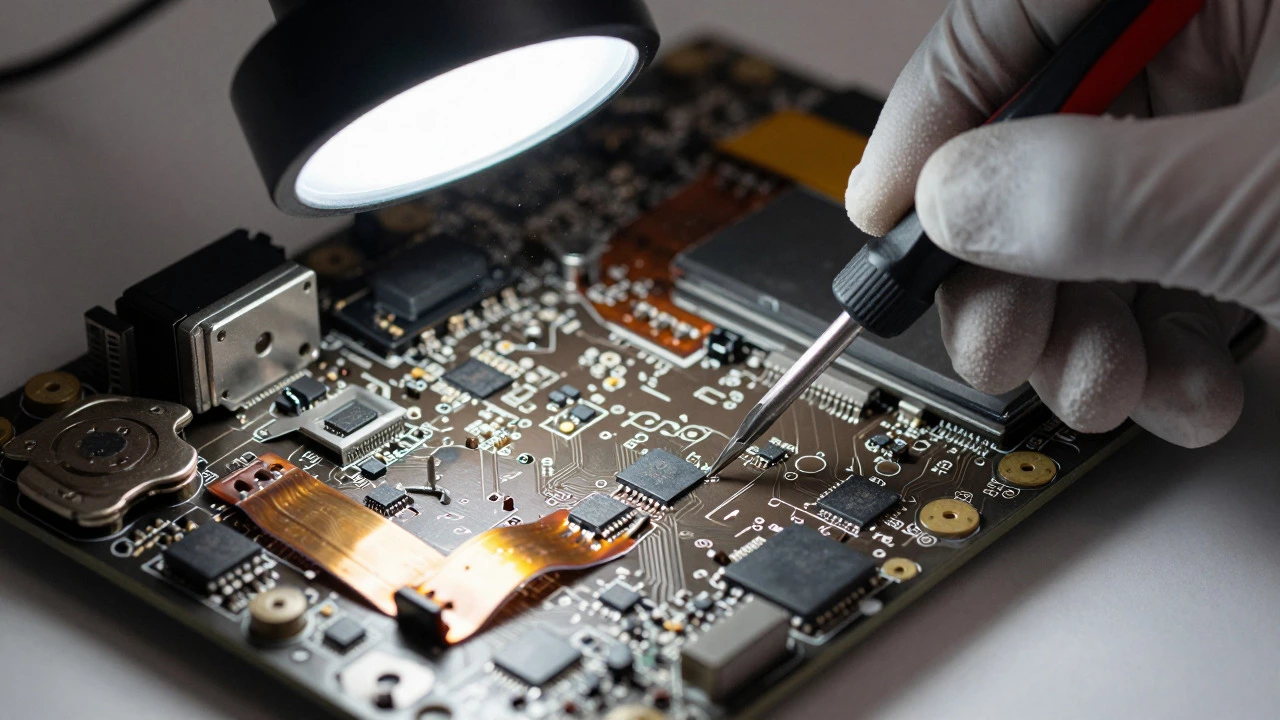
You might wonder why a technician can’t just do this from home with a basic screwdriver set. The truth is, professional repair requires significant investment in infrastructure. A proper workstation includes anti-static mats to prevent electrostatic discharge (ESD) from frying sensitive chips, magnifying lamps for microscopic soldering, and thermal cameras to identify overheating components.
Then there is the business side. Renting a storefront in a city center is costly. Technicians carry liability insurance in case they accidentally destroy a customer’s data or device. Software licenses for diagnostics also add up. These fixed costs don’t change whether they fix one laptop or fifty in a day, so each repair must contribute enough margin to keep the lights on. When you pay for a repair, you are subsidizing the ecosystem that allows that expert to exist locally.
Data Security and Trust
One hidden cost in laptop repair is trust. Your laptop contains your photos, banking details, and work files. A reputable shop follows strict data privacy protocols. They may offer to back up your data before starting, which takes time. Or they might require you to be present while they work. This level of care reduces the risk of theft or leakage but increases the labor time.
Cheap, fly-by-night operators might skip these steps, but they also lack accountability. If your data disappears after a cheap repair, you have no recourse. Established shops build their reputation on integrity. You are paying for the assurance that your digital life remains private and secure throughout the process.
Is It Worth It? Repair vs. Replace
So, how do you decide if the expense is justified? There is a general rule of thumb: if the repair cost exceeds 50% of the value of a new equivalent machine, it might be time to upgrade. However, context matters. A business laptop running specialized software might be worth saving even if the repair is pricey, due to the cost of reconfiguration and data migration.
Also, consider environmental impact. Throwing away a functional laptop with a cracked screen adds to e-waste. Repairing extends the lifecycle of the device, conserving the rare earth metals and energy used in manufacturing. In many cases, paying for a quality repair is both an economic and ethical choice.
Tips to Lower Repair Costs
While you can’t control part prices, you can manage your expenses. First, ask for a detailed breakdown. Know exactly what part is being replaced and whether it is OEM or third-party. Second, check if the repair is covered under any remaining manufacturer warranty or extended protection plan. Third, consider independent repair shops over authorized centers. Authorized centers often have higher overheads and stricter policies, leading to higher prices. Independent shops can often source parts more flexibly and charge lower labor rates.
Finally, prevention is cheaper than cure. Use a sleeve for transport, keep vents clean to prevent overheating, and back up your data regularly. Small habits can save you from the big bills associated with accidental damage.
Why does replacing a laptop screen cost so much?
Screen replacements are expensive because modern displays are high-resolution, often OLED or mini-LED, and tightly integrated with the chassis. OEM panels cost significantly more than generic ones, and the installation requires careful handling to avoid damaging surrounding components like the webcam or hinge mechanisms.
Are third-party laptop parts reliable?
Third-party parts vary widely in quality. While some are decent, others may suffer from poor brightness, color inaccuracy, or shorter lifespans. They also may not trigger correctly with the laptop's firmware, causing error messages. For critical components like batteries and screens, OEM parts are generally safer investments.
How long does a typical laptop repair take?
Simple repairs like battery or RAM swaps can take 30 minutes to an hour. More complex issues involving motherboard diagnostics or screen replacements can take several hours to a full day. If parts need to be ordered, expect delays of 3 to 7 business days depending on availability.
Does laptop repair void the manufacturer warranty?
In many regions, such as the US and EU, consumer protection laws state that third-party repairs do not automatically void warranties unless the repair causes damage. However, manufacturers may deny claims if they suspect unauthorized tampering. Always check your specific warranty terms before proceeding with independent repairs.
What is the most common reason for laptop repair costs to spike?
Liquid damage is the biggest cost driver. Unlike a single broken part, liquid corrosion affects multiple components over time, requiring extensive cleaning, desoldering, and potentially replacing the entire motherboard. This turns a minor spill into a major financial event.
I am an expert in the services industry with a focus on appliance repair. My passion lies in understanding how things work and educating others in simple, engaging ways. This enthusiasm fuels my writing, where I delve into topics around appliance maintenance and troubleshooting. I aim to make these subjects clear and accessible to all readers.