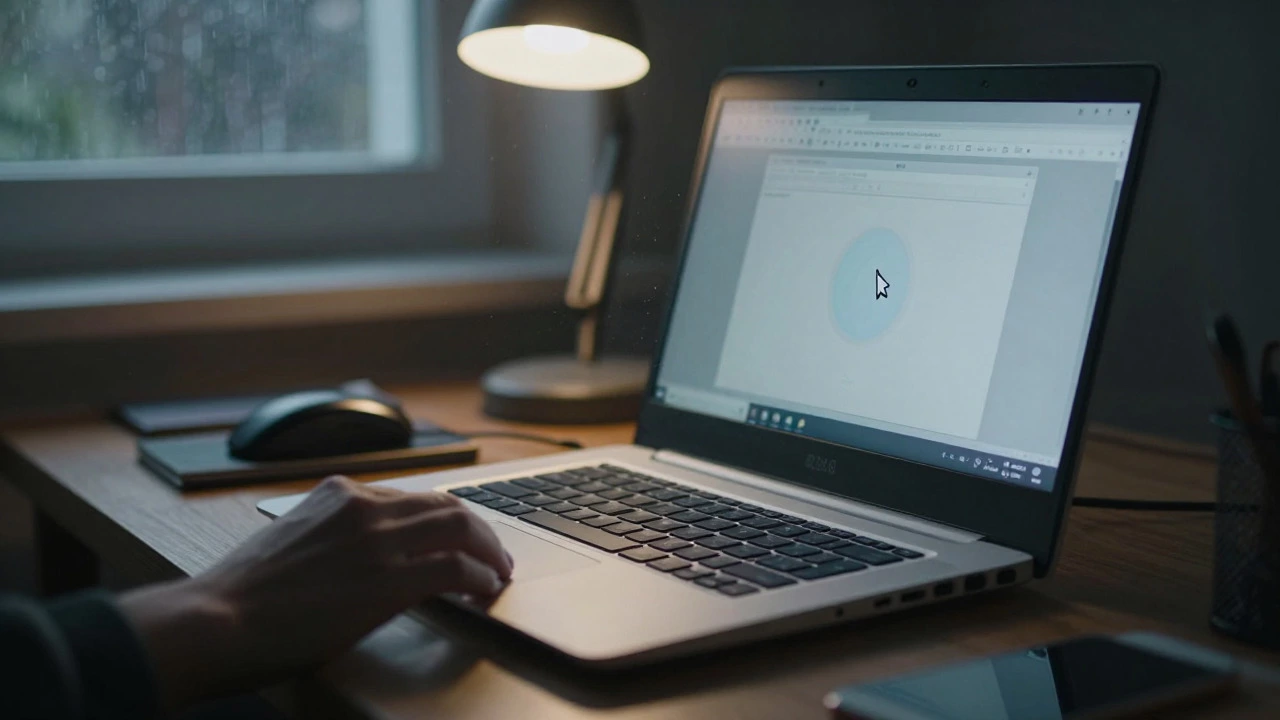
You stare at the screen. It takes four minutes to boot up. The fan sounds like a jet engine preparing for takeoff. You click on a browser tab, and the cursor freezes. This is the daily reality of using a 10-year-old laptop. In tech years, that device is practically a fossil. But before you toss it into the recycling bin or buy a shiny new machine, ask yourself: is it actually worth keeping?
The short answer is: usually no, but with a few very specific exceptions. Most laptops from around 2016 are hitting the wall of obsolescence. However, "worth" depends entirely on what you use the computer for, your budget, and whether a cheap repair can extend its life by another two years. Let’s break down the hard facts about hardware limits, software compatibility, and the real cost of repairs in 2026.
The Hardware Reality Check
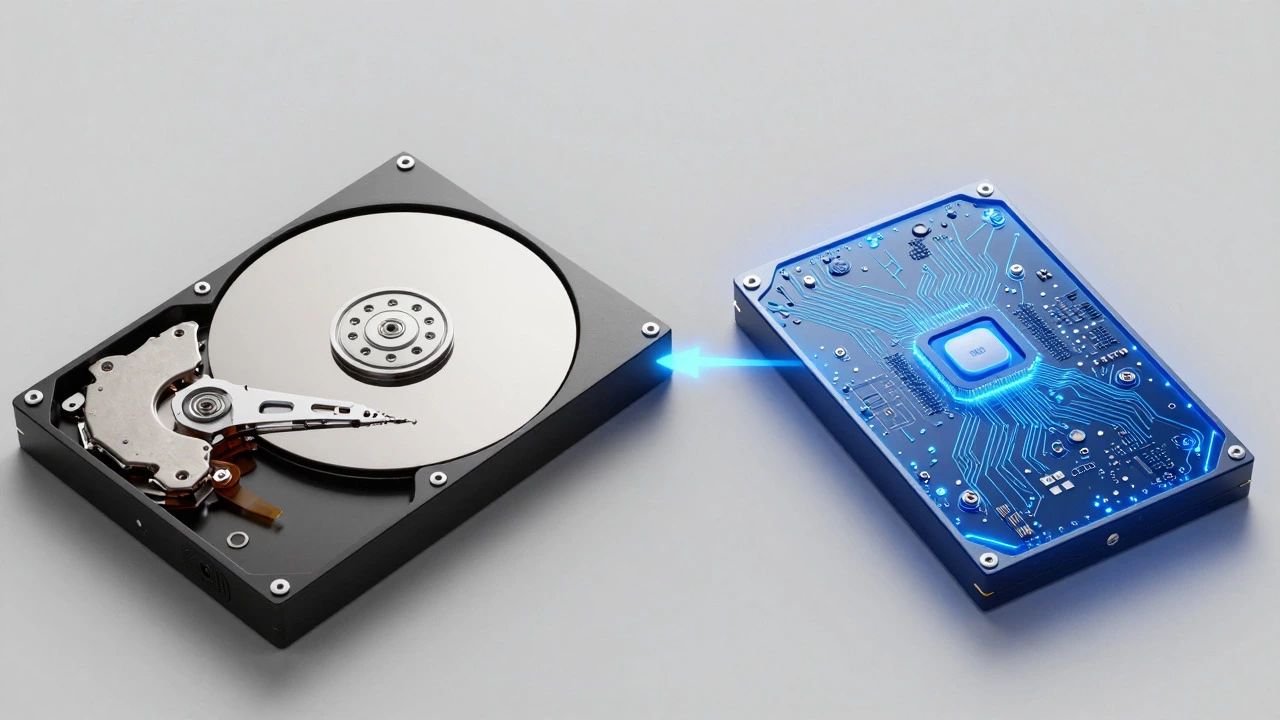
To understand if your laptop has legs left, you need to look under the hood. A decade ago, the industry standard was different. Most laptops shipped with mechanical hard drives (HDDs) and processors that struggled with modern web standards. Today, even entry-level devices use solid-state drives (SSDs) and multi-core processors designed for heavy multitasking.
If your laptop still uses a spinning magnetic hard drive, it is the single biggest bottleneck. Replacing an HDD with an SSD is the most effective upgrade you can make. An SSD costs between $30 and $80 depending on capacity. It makes a ten-year-old machine feel three times faster because data access time drops from milliseconds to microseconds. If you haven’t done this yet, do it now. It’s the only repair that genuinely changes the user experience significantly.
However, storage isn’t everything. Look at the processor. Intel Core i5 or i7 from the 4th or 5th generation (circa 2013-2015) are common in these older units. These chips are soldered to the motherboard in many ultrabooks, meaning you can’t upgrade them. They lack support for modern instruction sets used by current applications. Running Windows 11 or macOS Sequoia on a 4th-gen Intel chip is not just slow; it’s often impossible without unsupported workarounds. The CPU simply doesn’t have the threads or cache size to handle today’s background processes efficiently.
| Feature | 10-Year-Old Model (c. 2016) | Modern Budget Model (2026) |
|---|---|---|
| Storage Type | Mechanical HDD (often) | NVMe SSD (standard) |
| Processor Cores | 2-4 cores (older architecture) | 6-8 cores (efficient architecture) |
| Battery Health | Severely degraded (<30% capacity) | New (100% capacity) |
| Screen Resolution | HD (1366x768) or early Full HD | Full HD or QHD (IPS panels) |
| Port Connectivity | USB-A, HDMI, Ethernet | USB-C/Thunderbolt, Wi-Fi 6E |
The Battery Problem
Lithium-ion batteries degrade over time, regardless of usage. After ten years, a laptop battery is likely holding less than 30% of its original charge. This means your laptop is effectively a desktop tied to a wall outlet. While replacing a battery is cheaper than buying a new laptop-typically costing $40 to $100 for third-party parts-it adds to the total cost of ownership. If you plan to keep the laptop, factor in the battery replacement cost immediately. Without a healthy battery, you lose mobility, which defeats the purpose of owning a laptop.
In Wellington, where power outages are rare but working from cafes is common, a dead battery is a major inconvenience. If your laptop runs hot while plugged in, it’s also a sign that the thermal paste inside has dried up. Repasting the CPU and GPU can lower temperatures by 5-10 degrees Celsius, preventing throttling. This is a DIY-friendly fix if you’re comfortable opening the chassis, but it requires technical skill.
Software Compatibility and Security Risks
This is where the argument for keeping an old laptop falls apart for most users. Operating systems evolve, and they leave old hardware behind. Microsoft ended mainstream support for Windows 10 in October 2025. While extended security updates exist, they come at a premium, and performance on older hardware is poor. Windows 11 has strict TPM 2.0 and CPU generation requirements that most 10-year-old laptops fail to meet natively.
Mac users face similar issues. Apple stops updating macOS versions after about seven years. A MacBook from 2016 might run on macOS Monterey or Ventura, missing out on newer features, app compatibility, and crucial security patches. Using an unsupported OS exposes you to malware and data breaches. If you handle banking, email, or sensitive documents, an outdated OS is a liability.
One workaround is switching to Linux. Lightweight distributions like Linux Mint or Xubuntu can breathe new life into old hardware. They are free, secure, and don’t require heavy resources. However, this requires learning a new interface and checking if your essential software (like Adobe Creative Cloud or specific business tools) runs on Linux. For average consumers, this learning curve is often too high.
When Is It Worth Keeping?
There are scenarios where holding onto a decade-old machine makes sense. First, if you’ve already invested in an SSD upgrade and a new battery, the marginal cost of keeping it low. If the laptop works reliably for basic tasks-web browsing, document editing, video streaming-it can serve as a secondary device. Many people use old laptops as dedicated media players for the TV, kiosk machines for recipes in the kitchen, or backup machines for travel.
Second, consider environmental impact. E-waste is a growing crisis. Extending the life of a device by two years reduces the demand for raw materials like lithium, cobalt, and rare earth metals. If the laptop functions adequately, keeping it is the eco-friendly choice. Just ensure you dispose of the old battery responsibly through e-waste recycling programs available in New Zealand.
Third, budget constraints. If money is tight, a refurbished or used modern laptop might be out of reach. An old laptop that still works is better than no laptop. Prioritize critical needs: if you need it for work or school, invest in a reliable solution. If it’s for casual use, squeeze out every last drop of value.

When Should You Throw in the Towel?
Know when to quit. If the motherboard has failed, repair costs often exceed the value of the machine. Motherboard replacements for older models are expensive and sometimes unavailable. Same goes for broken screens on proprietary models where the display is fused to the bezel. If a repair quote comes back higher than $150, walk away. You can find capable used laptops for that price.
Also, consider productivity loss. Time is money. If your laptop crashes daily, takes forever to load files, or forces you to restart constantly, you’re losing hours of work or leisure. Calculate your hourly value. If frustration costs you more than the price of a new budget laptop, replace it. Modern laptops offer better battery life, sharper screens, and faster speeds that directly improve quality of life.
Decision Checklist
- Has it been upgraded with an SSD? If yes, it’s faster. If no, skip it unless you enjoy DIY.
- Does the battery hold a charge? If not, add $50+ to the cost of keeping it.
- Is the OS supported? If running unsupported Windows/macOS, security is at risk.
- What is your primary use? Basic web/docs? Keep it. Video editing/gaming? Sell it.
- Are there physical damages? Broken hinges, swollen batteries, or liquid damage signal imminent failure.
Ultimately, a 10-year-old laptop is a relic. It served its purpose. Giving it a second wind via an SSD and battery swap is a noble and cost-effective experiment. But don’t expect miracles. For most users in 2026, the reliability, speed, and security of a modern device outweigh the sentimental or financial attachment to old hardware. If you decide to part ways, sell it for parts or recycle it properly. Don’t let it sit in a drawer gathering dust.
Can I install Windows 11 on a 10-year-old laptop?
Officially, no. Most laptops from 2016 lack the required TPM 2.0 chip and compatible CPU generation. You can bypass these checks using registry edits, but the system will be unstable, slower, and may stop receiving updates. It’s generally not recommended for daily drivers.
How much does it cost to replace a laptop battery?
Third-party batteries typically cost between $40 and $100 NZD depending on the model. OEM batteries from manufacturers like Dell or HP can cost $150+. Ensure you buy from reputable sellers to avoid fire hazards associated with cheap cells.
Is upgrading RAM worth it on an old laptop?
Only if you have less than 8GB. Upgrading from 4GB to 8GB DDR3 RAM is cheap ($20-$40) and helps with multitasking. However, if you already have 8GB or 16GB, adding more won’t solve speed issues caused by the CPU or slow hard drive. Check if your RAM slots are accessible before buying.
What should I do with my old laptop if I replace it?
Factory reset the device to wipe personal data. Then, sell it on platforms like Trade Me if it still works well. If it’s broken, take it to an e-waste recycling center. In New Zealand, organizations like Enviro-Harbour accept electronics for safe disposal. Never throw it in general trash.
Will an SSD make my 10-year-old laptop fast again?
Yes, significantly. Replacing a mechanical hard drive with an SSD is the single best upgrade for older laptops. Boot times drop from minutes to seconds, and apps open instantly. It won’t fix a weak processor, but it eliminates the feeling of sluggishness caused by slow data retrieval.
I am an expert in the services industry with a focus on appliance repair. My passion lies in understanding how things work and educating others in simple, engaging ways. This enthusiasm fuels my writing, where I delve into topics around appliance maintenance and troubleshooting. I aim to make these subjects clear and accessible to all readers.