
Laptop Repair vs. Replace Decision Tool
Input Details
Ready to Calculate
You stare at the cracked screen or the stubbornly black display. The fan sounds like a jet engine taking off, or maybe it just won’t turn on at all. Your first instinct is probably panic, followed immediately by the question: Is this laptop worth repairing? It’s a heavy question because laptops are no longer just tools; they are our portals to work, entertainment, and connection. Replacing one feels expensive, but fixing one can feel like throwing good money after bad.
The short answer? It depends entirely on the specific failure, the age of the machine, and what you actually need it to do. In 2026, the line between "fixable" and "obsolete" has shifted significantly due to component pricing and software demands. Let’s break down exactly how to make that decision without getting ripped off by a repair shop or prematurely buying a new device you don’t need.
The 50% Rule: A Simple Financial Benchmark
Before we dive into technical specifics, there is a golden rule in the repair industry that holds true regardless of whether you have a budget Chromebook or a high-end workstation. If the cost of the repair exceeds 50% of the current market value of a comparable new laptop, you should generally consider replacing it instead.
Let’s look at a concrete example. Imagine you own a mid-range laptop from three years ago. Today, a similar model with better specs costs $800. If a technician quotes you $450 to fix the motherboard, that’s over half the price of a new machine. You’re paying for used parts and labor for a device that will likely fail again soon. On the other hand, if the repair quote is $150 for a new battery or keyboard, that’s a no-brainer. You save $650 and extend the life of your computer by another two or three years.
This rule works because it accounts for depreciation. Electronics lose value rapidly. A laptop bought for $1,200 might only be worth $400 after four years. Paying $300 to fix it makes financial sense; paying $350 does not.
When Repair Makes Perfect Sense
Not all repairs are created equal. Some components are cheap, easy to replace, and dramatically improve the user experience. These are the "high-value" repairs where spending money is almost always a good investment.
- Battery Replacement: Batteries degrade chemically over time. By year three or four, most lithium-ion batteries hold only 60-70% of their original charge. Replacing a battery usually costs between $80 and $150 depending on the brand. This restores portability and saves you from being tethered to a wall outlet. It’s the single best maintenance step you can take for an aging laptop.
- Storage Upgrades (SSD): If your laptop still uses an old mechanical Hard Disk Drive (HDD), swapping it for a Solid State Drive (SSD) is transformative. An SSD costs around $50-$100 for 1TB and makes a five-year-old laptop feel brand new. Boot times drop from minutes to seconds. This is often cheaper than buying a new entry-level laptop.
- Keyboard and Trackpad: Spilled coffee? Broken keys? These parts are often inexpensive ($30-$80) and relatively simple for a technician to swap out. Unless the liquid damage corroded the motherboard underneath, these are very worth repairing.
- Screen Replacement: Screens crack. It happens. For standard HD or FHD displays, replacements range from $100 to $300. If the rest of the computer works fine, fixing the screen is usually cheaper than buying a new unit. However, be wary of OLED or mini-LED screens on premium models, which can cost upwards of $500 to replace.
When You Should Walk Away
There are certain failures that signal the end of the road. When you encounter these issues, repair is rarely economically viable.
- Motherboard Failure: The motherboard is the brain of the laptop. If it fails due to a power surge, physical impact, or manufacturing defect, repair is complex and expensive. Technicians may charge $200-$400 just for diagnostics and board-level repair. Given that motherboards are often proprietary and hard to source, this is usually a death sentence for the device.
- Logic Board Issues on Integrated Designs: Modern ultrabooks and devices like the MacBook Air use highly integrated designs where the CPU, RAM, and storage are soldered directly to the logic board. If any of these components fail, the entire board must be replaced. These boards can cost more than a new entry-level Windows laptop.
- Charging Port Damage on Newer Models: While charging ports were once easy to fix, many modern laptops integrate the USB-C or Thunderbolt controller into the mainboard. A broken port might mean a full board replacement, pushing the cost beyond the 50% threshold.
- Performance Bottlenecks: Sometimes the hardware isn’t broken, but it’s too slow. If your laptop struggles to open basic web pages or run modern operating systems smoothly, no amount of repair will fix that. Software requirements have increased steadily. A laptop with 4GB of RAM and an older dual-core processor simply cannot keep up with the demands of 2026 web browsing and applications.

The Hidden Cost: Data Recovery vs. Repair
One of the biggest emotional factors in deciding whether to repair is data loss. You might think, "I’ll just buy a new laptop," but then realize you have ten years of photos, documents, and projects on the old drive.
If the laptop turns on but is slow or has a broken screen, you can often remove the internal SSD or HDD and connect it to a new laptop using a USB adapter. This costs less than $20 and allows you to transfer your data safely. This method decouples the data from the broken hardware, making the decision to replace much easier.
However, if the drive itself is physically damaged (making clicking noises or not detected by other computers), professional data recovery services can cost anywhere from $300 to $1,000+. In this scenario, you might choose to repair the laptop specifically to access the drive, even if the laptop itself isn’t worth keeping long-term. Always check if your drive is accessible before committing to a major repair.
Environmental Impact: The Case for Repair
We can’t ignore the environmental angle. E-waste is a growing crisis. Manufacturing a new laptop requires mining rare earth metals, significant energy consumption, and global shipping. Repairing your existing device reduces your carbon footprint significantly.
If your laptop is functional but just needs a battery or SSD upgrade, repairing it is the eco-friendly choice. Even if the cost is close to the 50% threshold, choosing repair keeps electronic waste out of landfills. Many manufacturers now offer trade-in programs or recycling options, but nothing beats extending the life of the product you already own.
DIY vs. Professional Repair
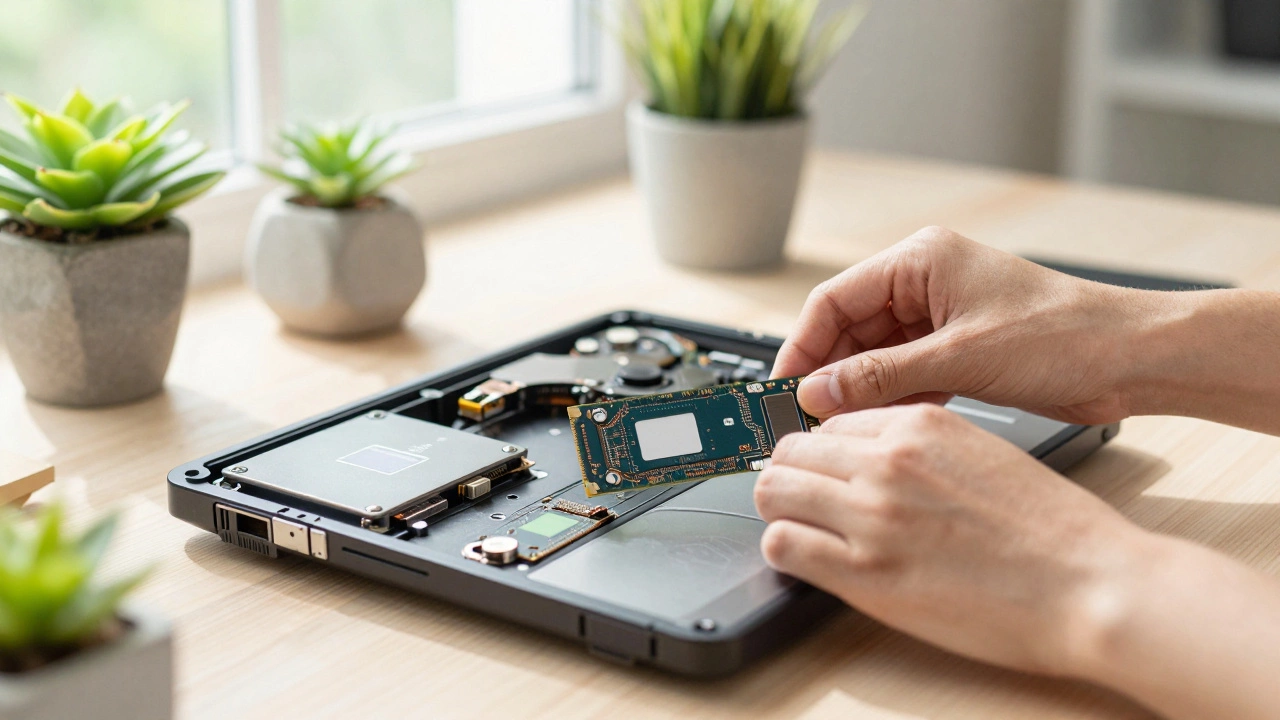
In 2026, the landscape of DIY repair has changed. Some brands, like Framework and Fairphone, design laptops specifically for user repairability. Others, particularly Apple and some Dell/XPS models, use potted batteries and adhesive screens that make DIY attempts risky.
If you attempt a DIY repair, ensure you have the right tools and follow a detailed guide from sources like iFixit. One mistake with a static discharge or a snapped connector can turn a $100 repair into a $400 professional job. If you are not comfortable opening electronics, seek a reputable local technician. Avoid mail-in repair services for critical business machines unless you have no other option, as turnaround times can be weeks.
| Component | Avg. Repair Cost (2026) | Labor Complexity | Worth It? |
|---|---|---|---|
| Battery | $80 - $150 | Low | Yes, almost always |
| SSD Upgrade | $50 - $100 | Low | Yes, huge performance boost |
| Standard Screen (FHD) | $100 - $300 | Medium | Yes, if under 50% of new cost |
| Premium Screen (OLED/4K) | $400 - $700+ | Medium | No, usually replace laptop |
| Keyboard | $30 - $80 | Low/Medium | Yes |
| Motherboard/Logic Board | $200 - $500+ | High | Rarely, unless under warranty |
Final Thoughts on Making the Call
Deciding whether to repair your laptop isn’t just about math; it’s about utility. Ask yourself: Will this repaired laptop meet my needs for the next two years? If the answer is yes, and the cost is reasonable, repair it. If the answer is no, because the processor is too slow or the design is outdated, save your money and invest in a new machine that will serve you better.
Don’t let sentimentality drive tech decisions. We all love our old devices, but technology moves fast. Use the 50% rule as your anchor, prioritize data safety, and choose the path that gives you the best daily experience. Whether you patch up your trusty old warrior or welcome a new device into your home, the goal is the same: reliable computing without unnecessary stress or expense.
How much does it typically cost to repair a laptop in 2026?
Costs vary widely based on the issue. Simple fixes like battery replacements or SSD upgrades range from $50 to $150. Screen replacements for standard models cost $100 to $300. Complex repairs involving motherboards or logic boards can exceed $400. Labor rates also differ by location, so always get a written estimate before proceeding.
Is it worth repairing a 5-year-old laptop?
It depends on the repair. If it’s a battery or SSD upgrade, yes-it can breathe new life into the machine. If it’s a motherboard or screen failure, likely no. A 5-year-old laptop has depreciated significantly, and major repairs often cost more than 50% of its current value. Additionally, older processors may struggle with modern software demands.
Can I replace my laptop battery myself?
In many cases, yes. Older laptops often have easily accessible battery compartments. Newer ultrabooks require opening the chassis, which involves removing screws and disconnecting cables. Check resources like iFixit for your specific model. If the battery is glued in (common in some MacBooks), DIY replacement is difficult and risky without proper heat tools and care.
What should I do if my laptop won’t turn on?
First, try a hard reset: unplug the charger, remove the battery if possible, and hold the power button for 30 seconds. Then reconnect and try again. If it still doesn’t power on, the issue could be the power adapter, the charging port, or the motherboard. Diagnostic fees at repair shops typically range from $50 to $100, which may be waived if you proceed with the repair.
Is buying a refurbished laptop better than repairing an old one?
Often, yes. Refurbished laptops from reputable sellers come with warranties, tested components, and newer specifications than your aging device. If your repair quote is high, compare it to the price of a certified refurbished model with similar specs. You often get better performance and reliability for a similar price, plus peace of mind with a warranty.
I am an expert in the services industry with a focus on appliance repair. My passion lies in understanding how things work and educating others in simple, engaging ways. This enthusiasm fuels my writing, where I delve into topics around appliance maintenance and troubleshooting. I aim to make these subjects clear and accessible to all readers.