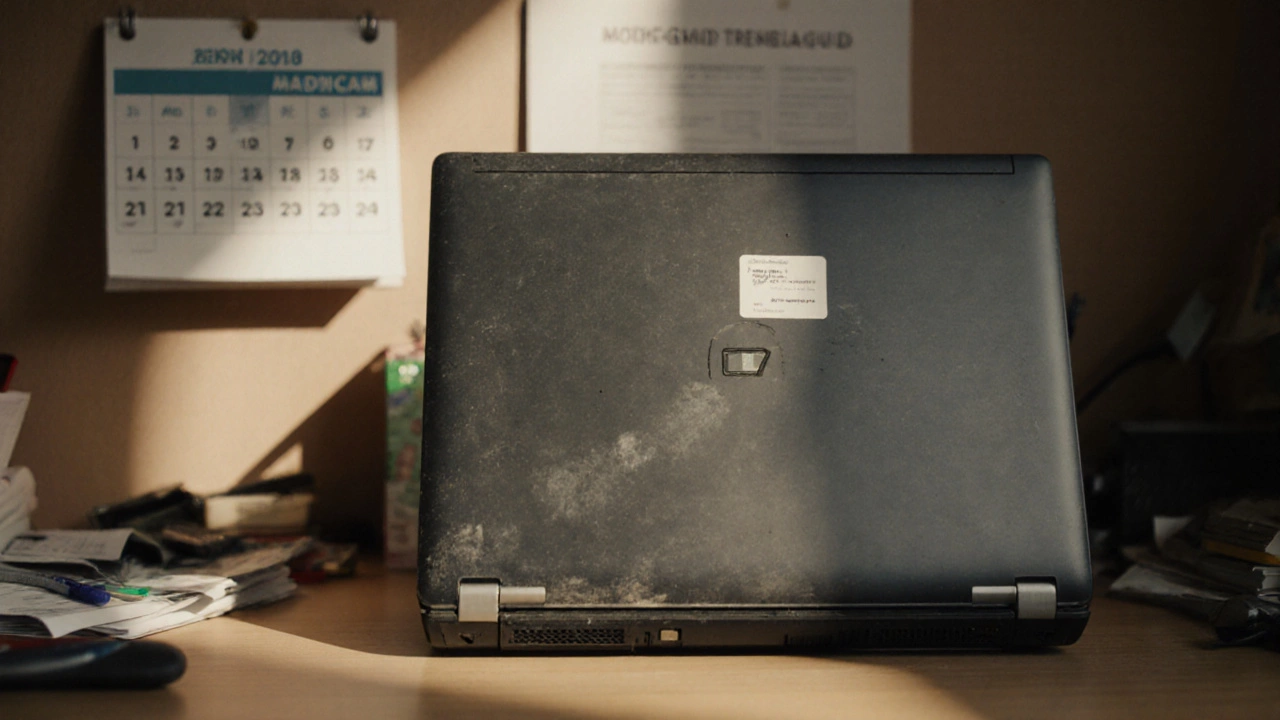
Find out when fixing a 7‑year‑old laptop makes sense, compare repair costs to buying new, and follow a clear checklist to decide fast.
When tackling DIY laptop repair, the practice of diagnosing and fixing laptop problems yourself. Also known as laptop DIY fix, it lets you save money and understand your device better. DIY laptop repair isn’t just about swapping a broken screen; it’s a systematic approach that starts with proper troubleshooting, identifying the root cause of a malfunction through step‑by‑step checks. Good troubleshooting saves time and prevents unnecessary part purchases. Once the issue is clear, you move to the right replacement parts, components like batteries, SSDs, keyboards or hinges that you swap out to restore function. The whole process hinges on the right diagnostic tools, such as screwdrivers, multimeters and thermal paste applicators that let you test and repair safely. Together these elements form the core of effective laptop DIY work.
First, always follow safety precautions: unplug the charger, work on a static‑free surface and use an antistatic wrist strap if you have one. Safety influences every repair decision and protects both you and the laptop’s delicate circuitry. Next, start with a quick visual inspection—look for loose screws, cracked hinges or swollen batteries. Then run basic diagnostics: check power LEDs, listen for fan noise and feel for abnormal heat. These checks are part of the broader troubleshooting routine and often point directly to the failing component. If the issue involves overheating, cleaning the cooling system with compressed air and re‑applying thermal paste can extend the machine’s life. When a part needs swapping, verify compatibility—match model numbers and connector types to avoid new problems. Finally, reassemble carefully, double‑check all connections, and run a full system test to confirm the repair succeeded.
By mastering these steps you’ll see how DIY laptop repair encompasses troubleshooting, requires diagnostic tools, and depends on quality replacement parts. The relationship between safety precautions and repair outcomes is clear: a careful approach reduces the risk of damaging components. Whether you’re fixing a cracked screen, a dead battery, or a noisy fan, the same principles apply. Below you’ll find a curated list of articles that dive deeper into each topic—covering everything from battery swaps to SSD upgrades—so you can keep your laptop running like new without calling a technician.
Find out when fixing a 7‑year‑old laptop makes sense, compare repair costs to buying new, and follow a clear checklist to decide fast.